

How to set up Apple Pay in Uzbekistan
Apple Pay allows you to pay for purchases using an iPhone without taking out a bank card. To do this, you need to add a supported card to Wallet and verify it through the bank. Here is a guide on which banks support Apple Pay in Uzbekistan, how to link a card, and what to do if problems arise.
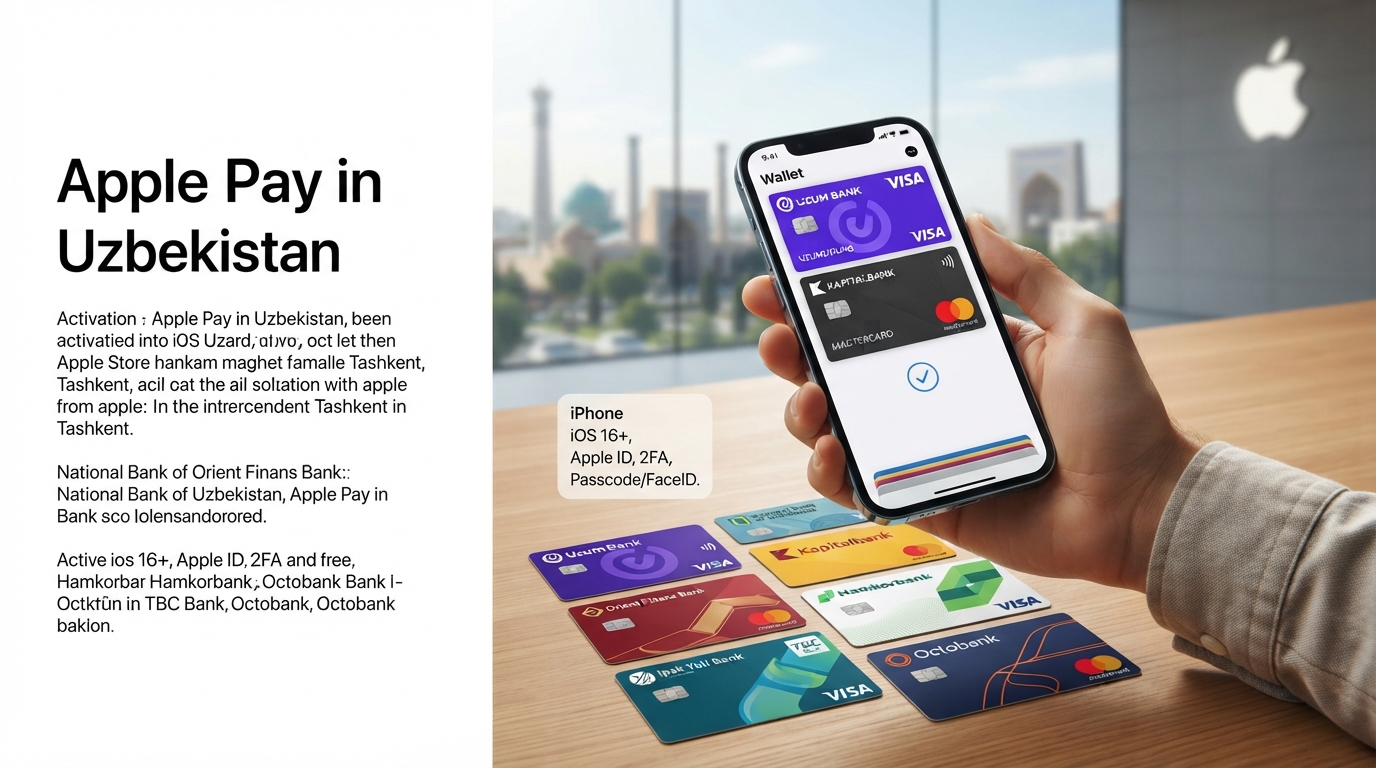
How to set up Apple Pay in Uzbekistan
Apple Pay launched in Uzbekistan on October 27, 2026. At present, only cards from the international payment systems Visa and Mastercard can be linked to the service, provided they are supported.
According to Apple, setup is available for cards issued by the following banks:
Uzum Bank — Visa;
Orient Finans Bank — Visa and Mastercard;
National Bank of Uzbekistan — Visa and Mastercard;
Kapitalbank — Visa and Mastercard;
Hamkorbank — Visa;
Ipak Yuli Bank — Visa and Mastercard;
TBC Bank — Visa and Mastercard;
Octobank — Visa and Mastercard.
However, holding a Visa or Mastercard from one of these banks does not automatically mean it can be added to Apple Pay. It all depends on the card type and the specific bank's terms. You can check if your card is eligible by contacting your bank's customer support.
Before adding a card to Apple Wallet, make sure you have:
an iPhone that supports Apple Pay and runs the latest version of iOS;
a bank card that can be linked to Apple Pay;
an Apple account with two-factor authentication enabled;
a passcode set on your iPhone (Face ID or Touch ID can also be used to authorize payments);
an internet connection to add and verify the card.
Additionally, the bank may send a verification code to the phone number linked to the card or offer an alternative verification method.