

Google Pay launched in Uzbekistan: how to use it?
Google Pay allows you to pay for purchases using an Android device without taking out your bank card. To do this, you need to add a supported card to the Google Wallet app. Here is a guide on which banks in Uzbekistan support Google Pay, how to connect a card, and what to do if your device is lost.
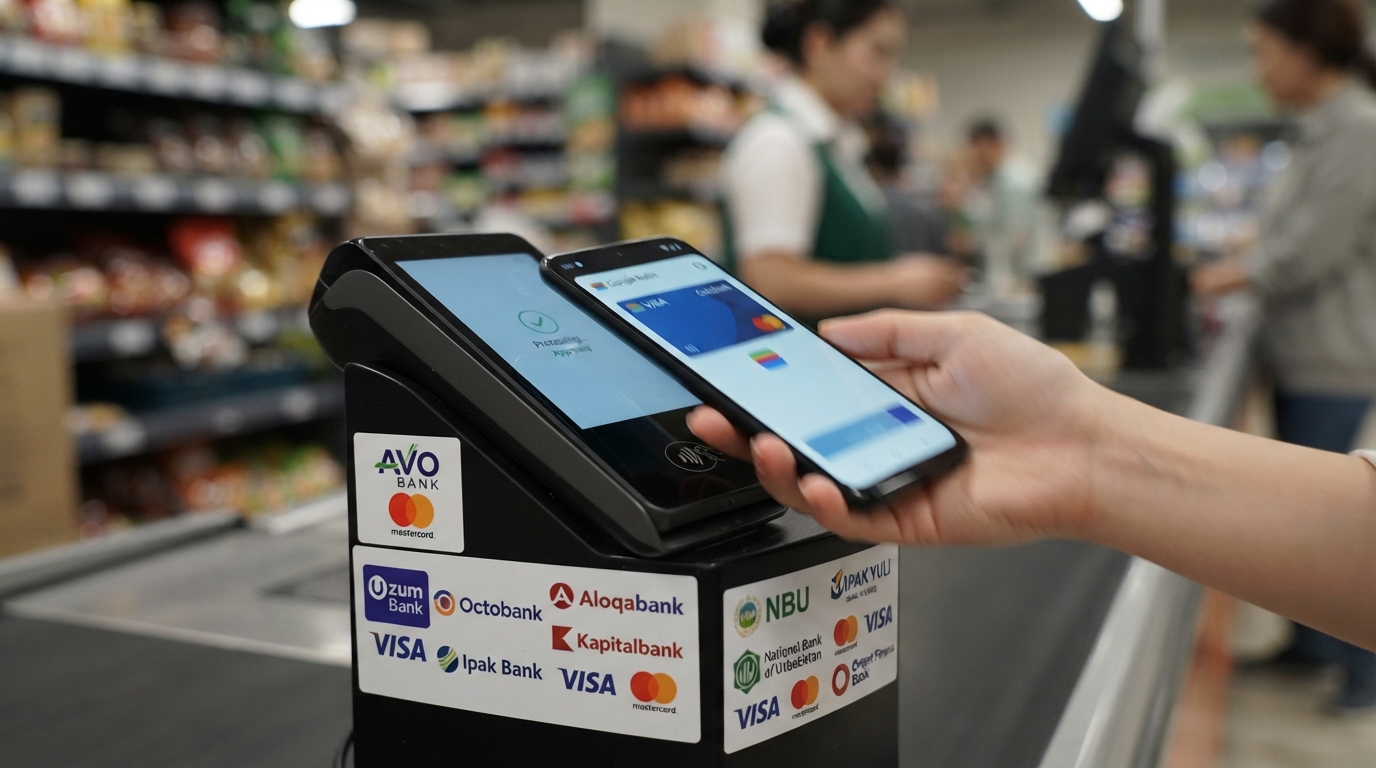
Google Pay launched in Uzbekistan: how to use it?
Starting October 27, owners of Android and Wear OS devices gained access to the Google Wallet application.
Google Pay is a service that allows you to pay for purchases online, in mobile apps, and at compatible payment terminals.
The operating scheme is simple: the user adds a bank card to Google Wallet, verifies it, and then pays for purchases by holding the phone up to a contactless terminal. At the same time, the device transmits data to the terminal via NFC — a short-range wireless communication technology.
Funds for the purchase are not debited from a separate Google Pay balance, but from the linked bank card. Therefore, there must be enough money on the card, and the bank must approve the transaction.
Not all bank cards issued in Uzbekistan support Google Pay.
Each bank decides for itself which of its cards can be used with this service.
Currently, Google Wallet supports cards from nine banks:
AVO Bank — Mastercard;
Octobank — Visa and Mastercard;
Uzum Bank — Visa;
TBC Bank — Visa and Mastercard;
Aloqabank — Visa and Mastercard;
Kapitalbank — Visa and Mastercard;
Ipak Yuli Bank — Visa and Mastercard;
National Bank of Uzbekistan (NBU) — Visa and Mastercard;
Orient Finans Bank — Visa and Mastercard.
For contactless payment in stores, you need:
An Android or Wear OS device with NFC support;